Signature Framer Template
Editorial portfolio for creatives
Free
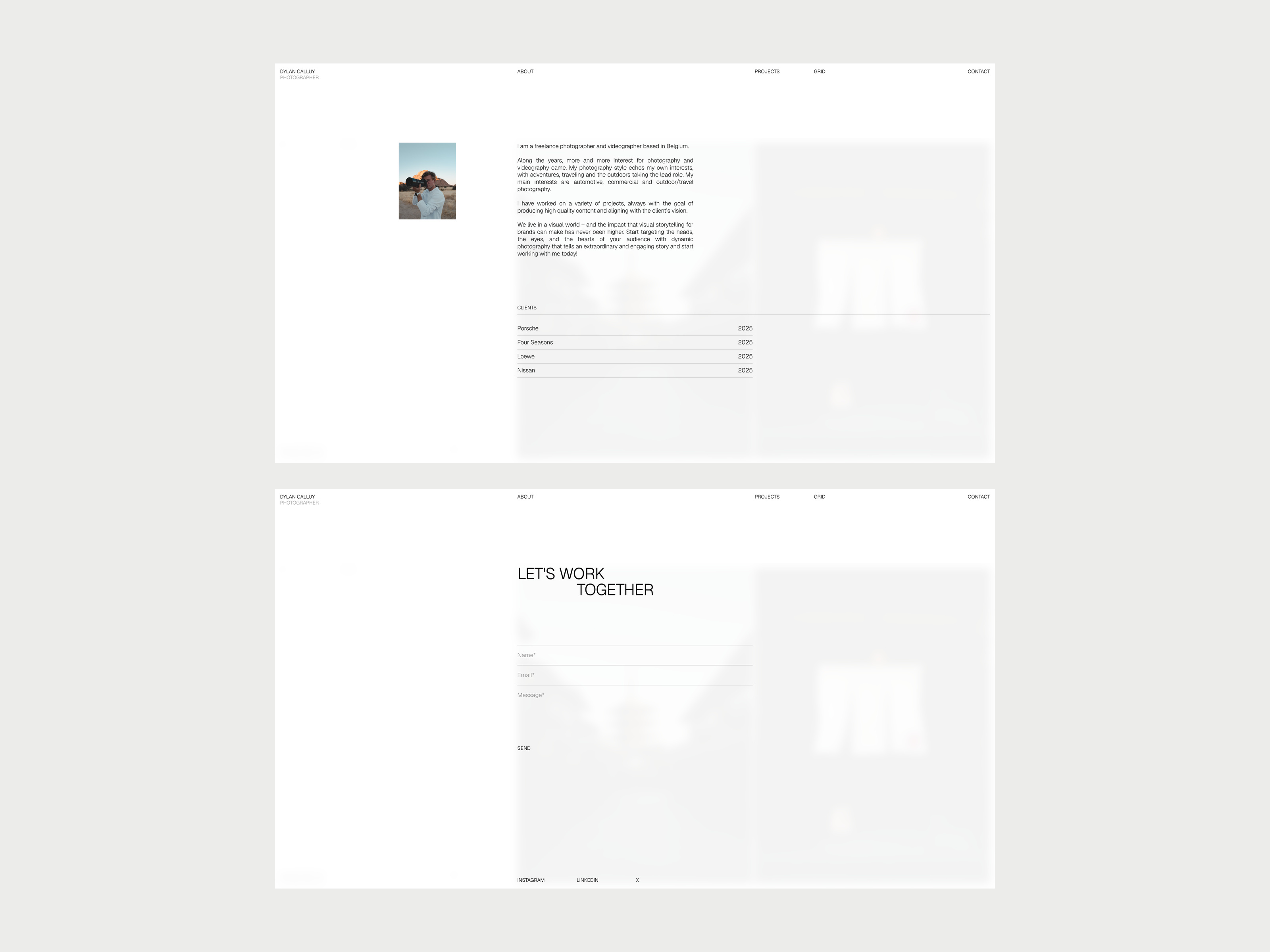
A portfolio template for photographers, designers, architects, and other creatives to showcase projects, photos, client work, and a personal bio. Projects and grid photos are managed through the CMS, with dedicated index, project, grid, about, and contact experiences.

About this template
Signature is a portfolio template for photographers, designers, architects and other creatives. White paper, small type and thin rules keep the attention on your images.
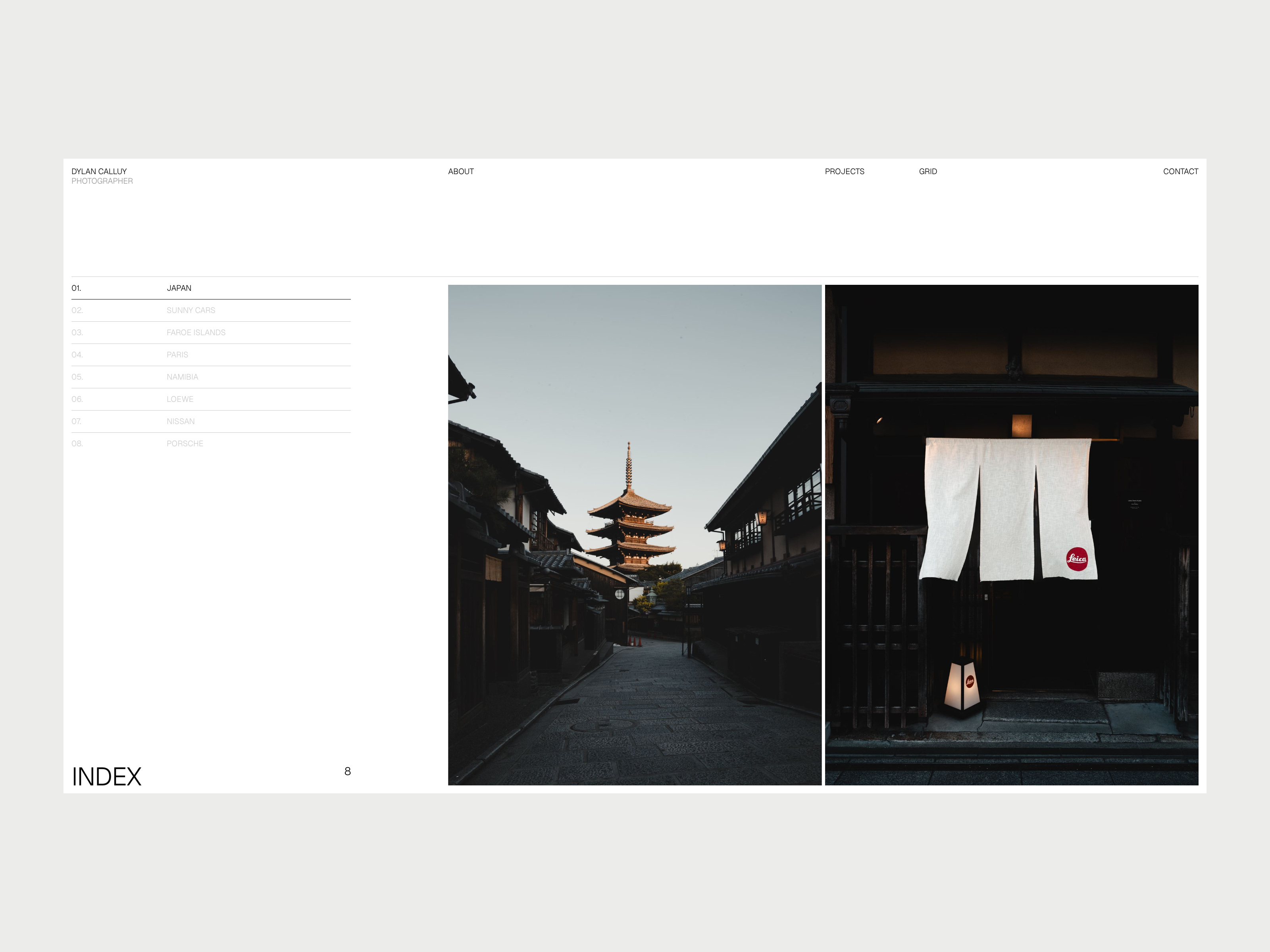
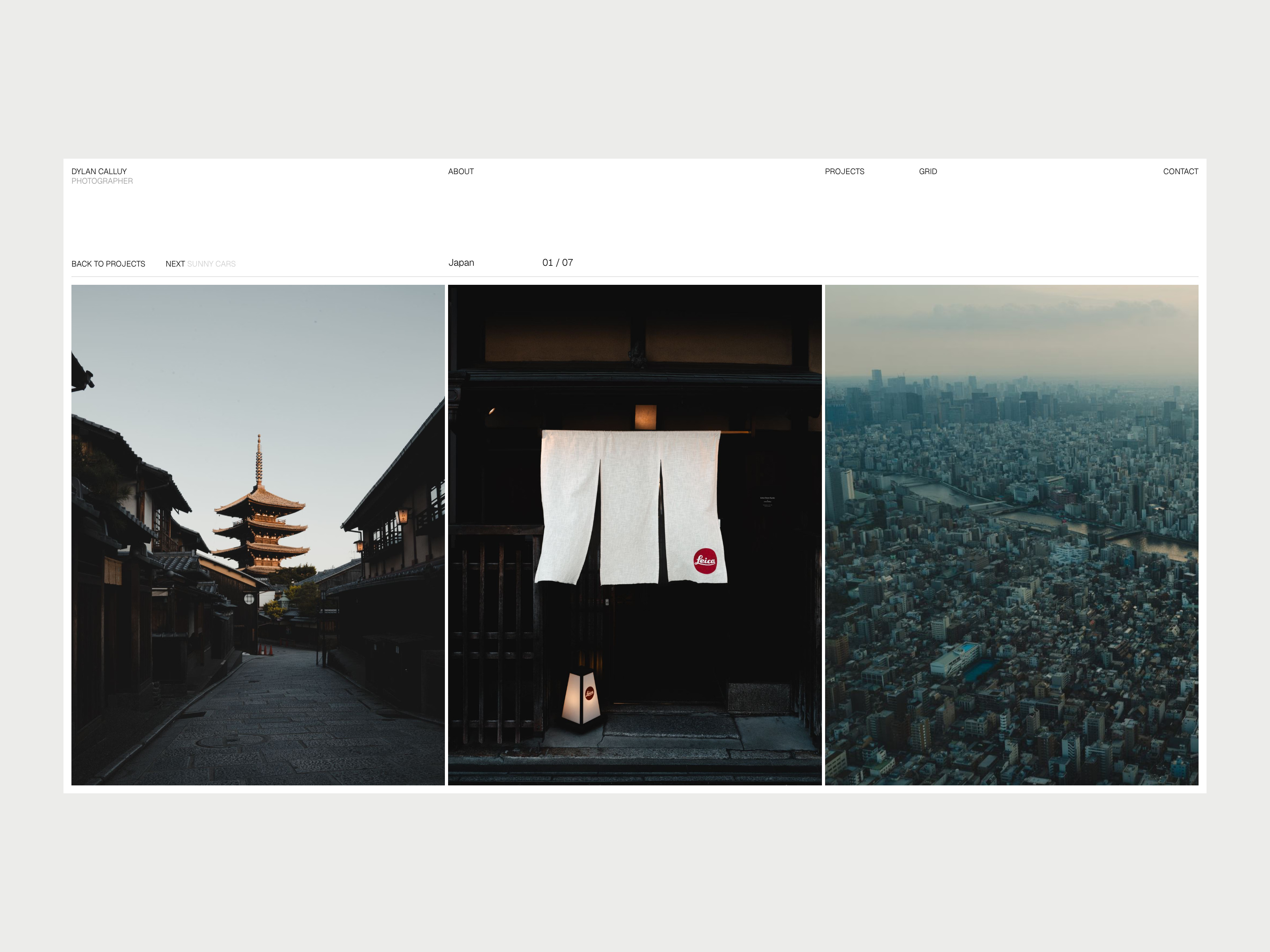
A project list sits beside a large gallery that changes as you move through it. Open a project and its photo travels from the index into a row you can scroll, drag or swipe. NEXT carries you straight into the following project without leaving the row.
Your projects and grid photos live in the CMS, so adding work takes minutes. Everything else, from your bio to your client list, is in one panel.
Features
Preloader that cycles your photos and lands on the first project
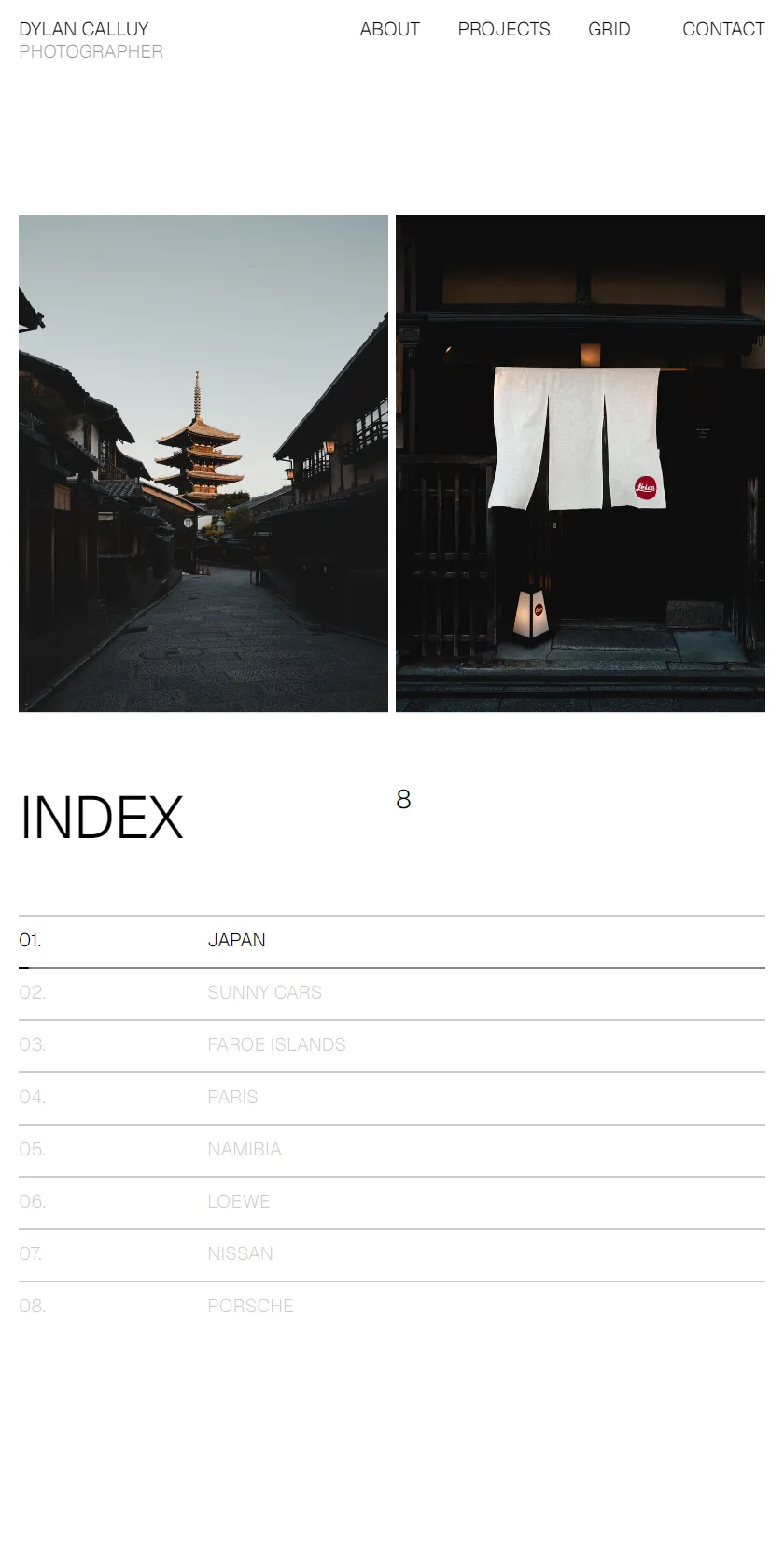
Index with a live project count, hover previews on desktop and auto-advance on touch screens
Project pages with a scrolling photo row, subtle parallax, and video support
Photo transitions that carry between the index and project pages, on real page URLs
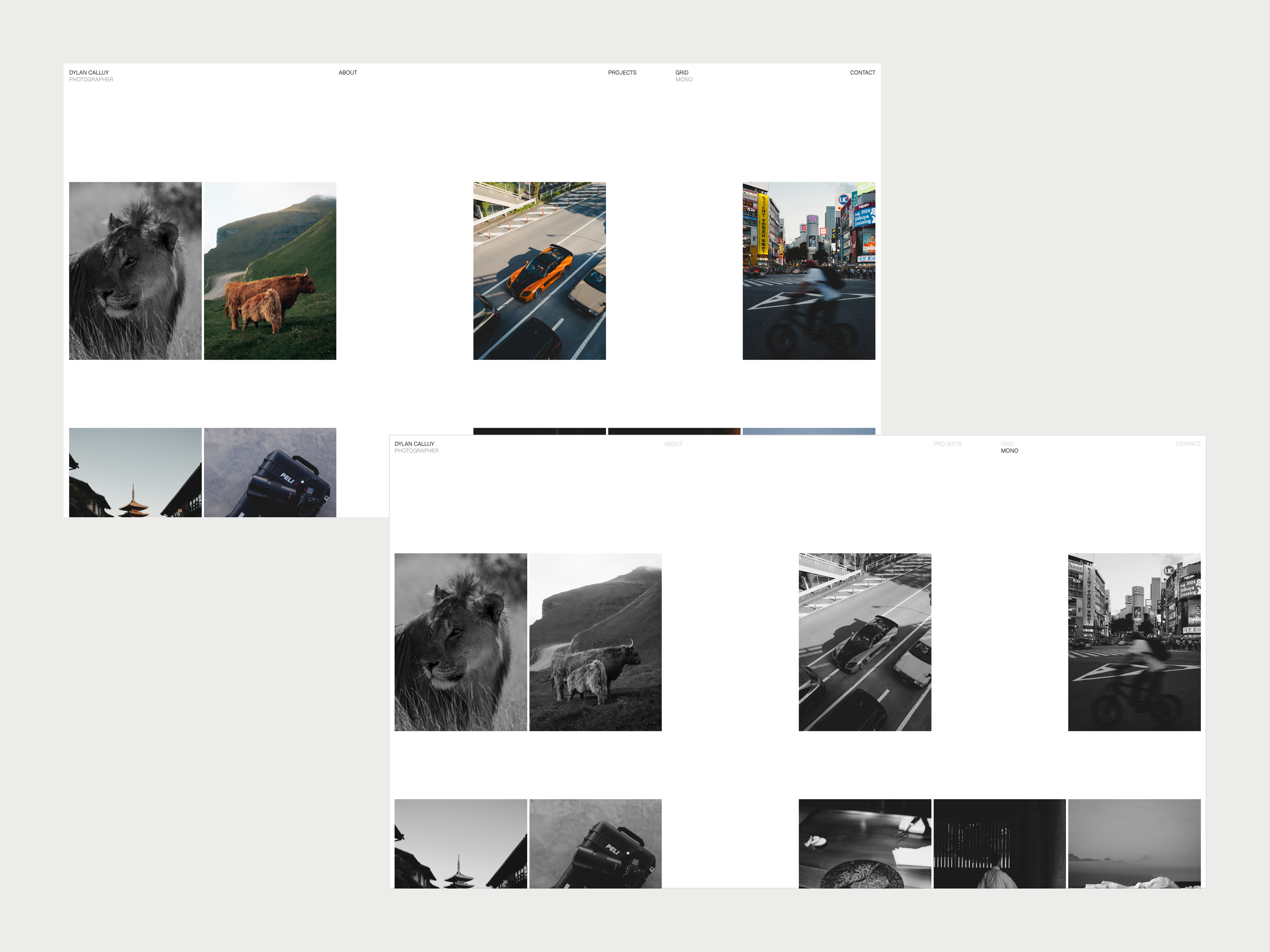
Grid page with a shuffled contact sheet, expandable photos and a one-click monochrome view
About page with portrait, bio and client list
Contact form with validation, using Framer's own form delivery
Layouts designed for desktop, tablet and phone, including a vertical project feed on phones
Custom 404 page
Keyboard navigation and reduced-motion support
Good to know
The demo photos, videos, portrait and client names only show how the template works. They aren't licensed for your own site, so replace them before you publish.
The design and motion run as one code component, which keeps the transitions exact. You edit content through the CMS and a settings panel, and can't restyle individual layers.
Fonts, colors, spacing and fixed wording such as INDEX and the form labels are in the code file.
The canvas shows each page at rest. Use Preview to see the motion.
To edit: projects and grid photos are in the CMS. Everything else is on the Portfolio layer (Assets → Site, then Layers → Portfolio).
Full setup guide under Pages
Included Pages
- Index
- Project
- Grid
- About
- Contact
- 404
More Portfolio Templates
View all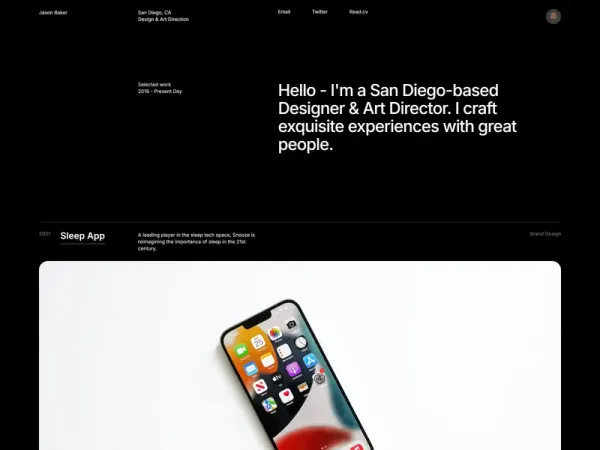
My Portfolio
Built entirely with Framer, this template doesn't use a single line of code. Showcase your personal work with this dark, minimal, fully responsive portfolio.
Zonski
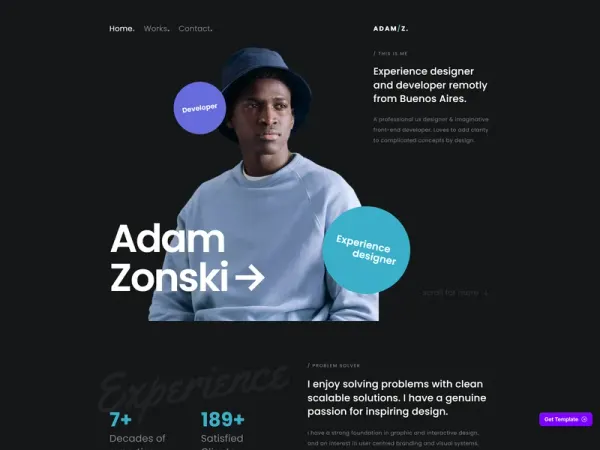
Zonski is a free, customizable Framer portfolio template, perfect for designers, developers, and freelancers.
THE BOLD
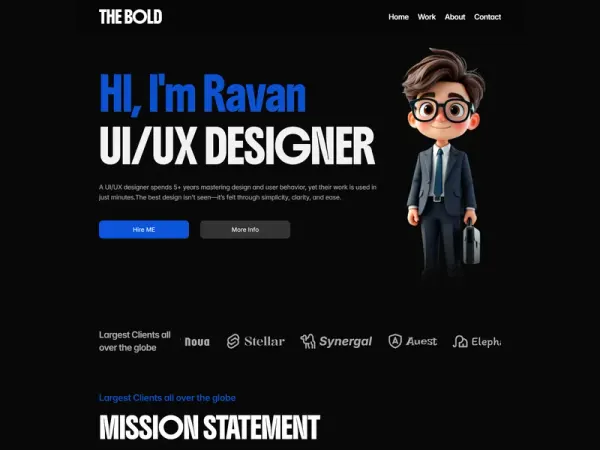
THE BOLD is a dark-themed Framer portfolio template built for UI/UX designers, product designers, and creative freelancers, featuring structured pages, multi-project gallery, services breakdown, testimonials, and smooth animations for code-free customization.
More Photography Templates
View all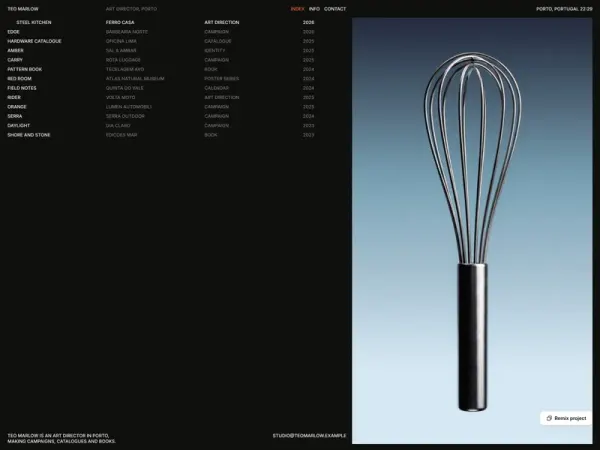
Platen
A dark portfolio template for art directors to present projects in a single index and dedicated case studies, alongside information about their services, clients, and contact details.

RetroDrive Classic
null
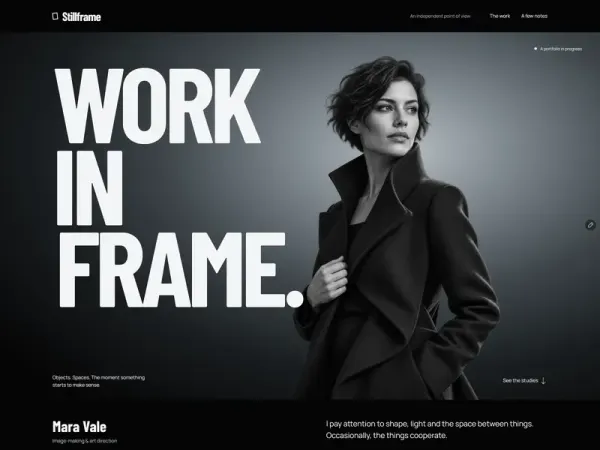
Stillframe Journal
An editorial portfolio for image-makers and independent designers to present project studies, an introduction, studio notes, and contact information. It includes a monochrome portrait opening and a CMS collection for project titles, artwork, captions, and story text.
More Creative Templates
View all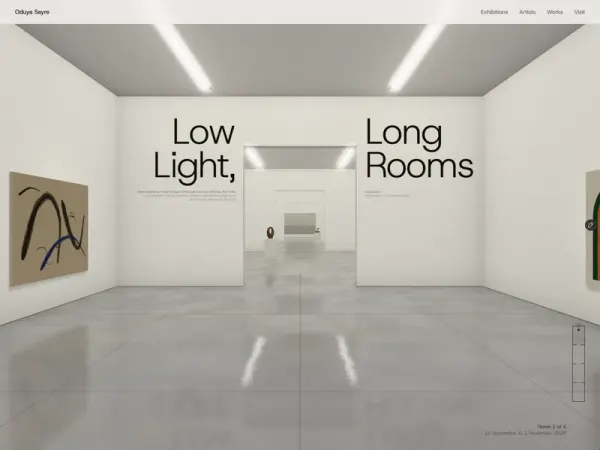
Enfilane
Enfilane is a contemporary art gallery template for galleries, artist-run spaces, and art advisors. It presents exhibitions as a scrollable walk through rendered gallery rooms, with artworks managed through CMS collections and dedicated pages for works, artists, and exhibitions.
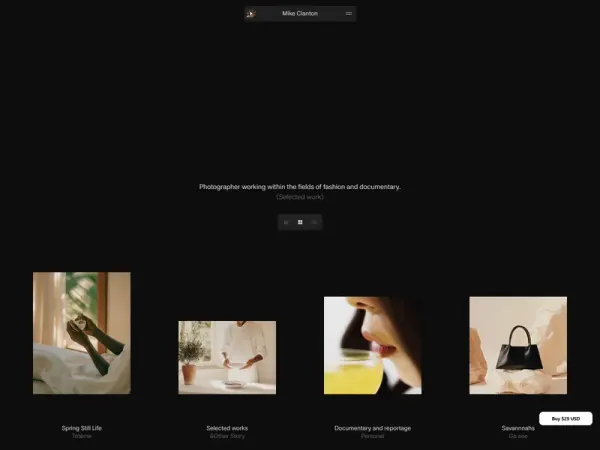
Mike Clanton
A minimalistic portfolio website for photographers and architects to showcase their photographs through simple presentations and smooth interactions and page transitions.

Bisque Studio
A Framer template for ceramicists, bakers, candle makers, and small studios selling products in limited batches. It includes product and batch pages, connected CMS collections, checkout links, and contact and newsletter forms.
More Minimal Templates
View all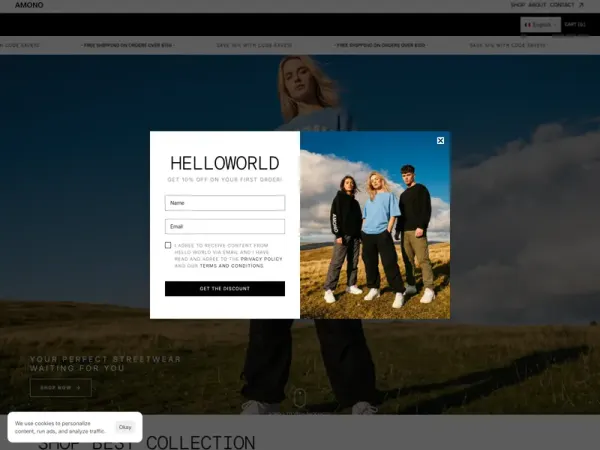
AMONO
Amono is a modern, minimal Framer e-commerce template designed for independent brands, boutiques, and retailers to showcase products, build buyer trust, and drive sales with responsive design, polished interactions, and built-in Framer commerce tools.
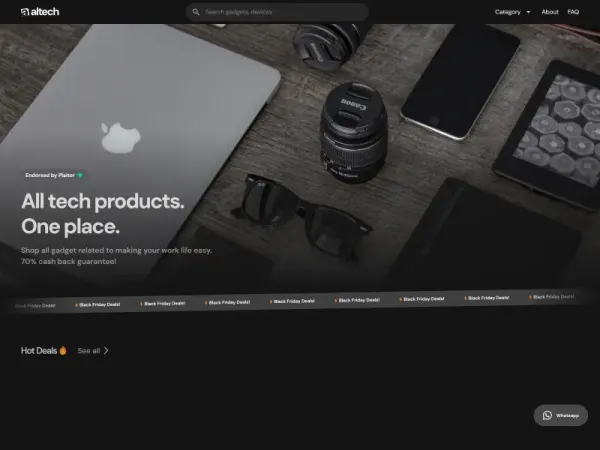
Altech
Altech is an E-commerce solution to help stores display products! Featuring tailored product categories, smooth animations, Newsletter, Search, and more. Effortlessly set up your online shop with stunning design and comprehensive features.
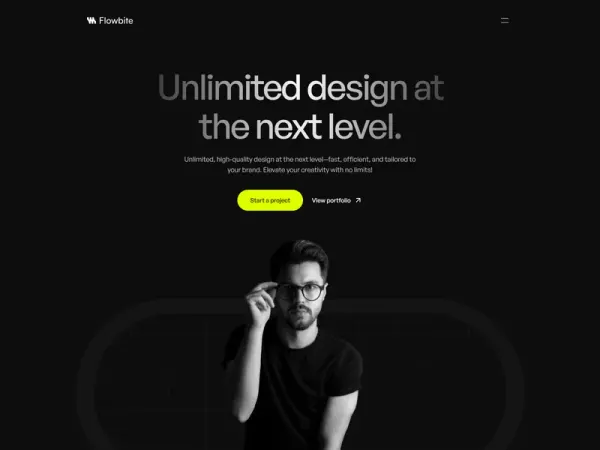
Flowbite
Flowbite is a sleek Framer portfolio template for creatives, freelancers, and agencies. With smooth animations, dark mode, and full responsiveness, it’s perfect for showcasing your work professionally.
More Animated Templates
View all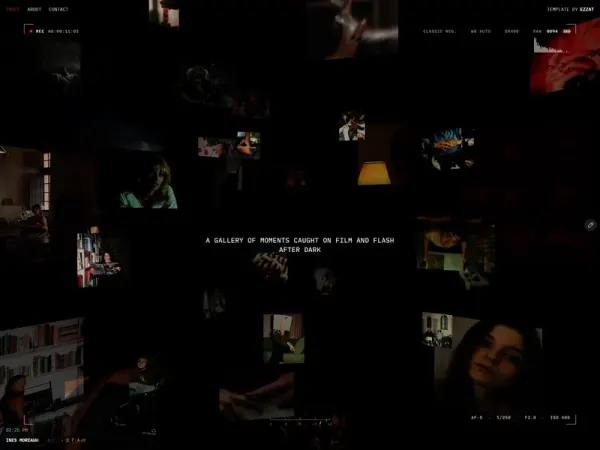
Darkroom Photo
A photography portfolio for night, film, and flash photographers, featuring a 3D gallery wall for displaying photo series. It includes About and Contact pages for sharing a photographer’s bio and booking details.
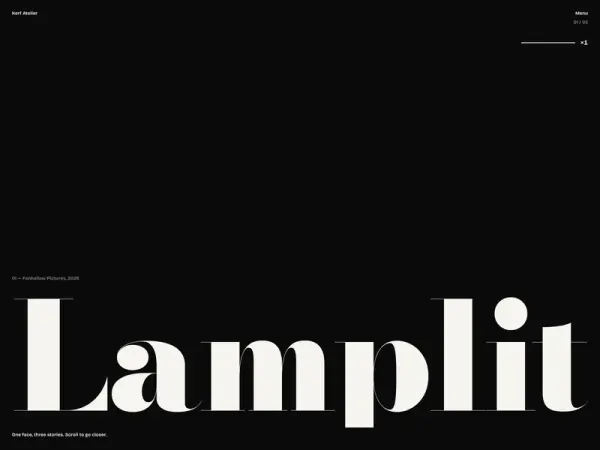
Kerf Atelier
A photography portfolio for photographers to present projects through layered, focus-shifting image sequences. It includes individual project pages, an index with an archive of smaller jobs, and studio and contact pages.

FluxAI
Flux AI is a modern Framer template designed for AI startups, SaaS platforms, and tech companies. Featuring a luxury dark aesthetic, cinematic visuals, and smooth interactions, it offers responsive, SEO-optimized landing pages to maximize conversions.
More Personal Templates
View all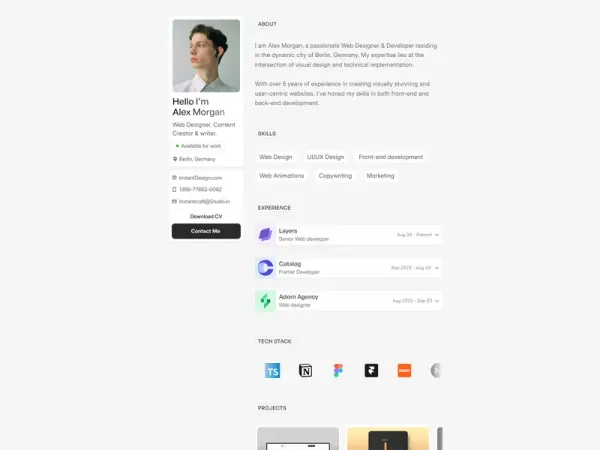
MonoCV
MonoCV is a sleek and minimalist Framer template that unifies your portfolio and resume into one polished, professional layout.
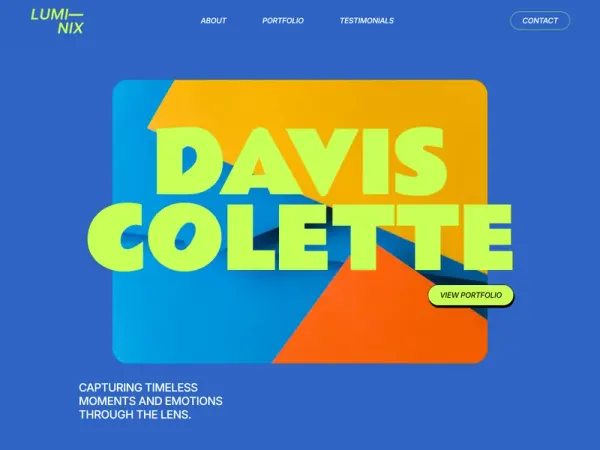
Luminix
Luminix is a bold, vibrant Framer portfolio template for photographers, videographers, and designers. It offers smooth animations, responsive layouts, SEO optimization, and easy content management, enabling creatives to dynamically showcase their work.
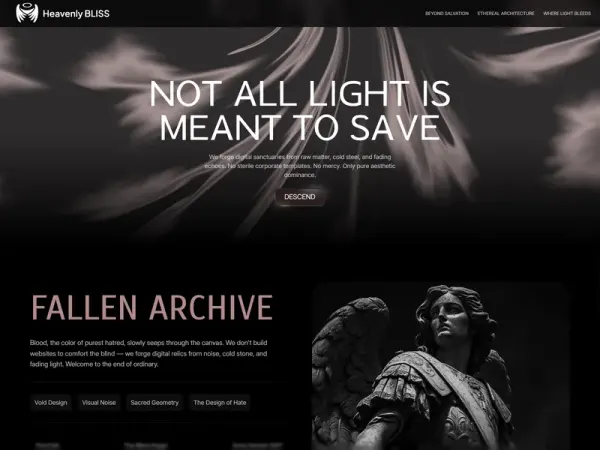
Heavenly BLISS
An ultra-minimalist, dark editorial portfolio for creative directors, visual artists, stylists, and unconventional brands seeking an expressive alternative to corporate layouts.