Imprint Framer Template
Quiet grid portfolio for creatives
Free
A portfolio template for photographers, designers, architects, and other creatives to present projects, images, and personal information. It includes a CMS-backed work grid with project drawers, plus About and Contact pages.
Categories

About this template
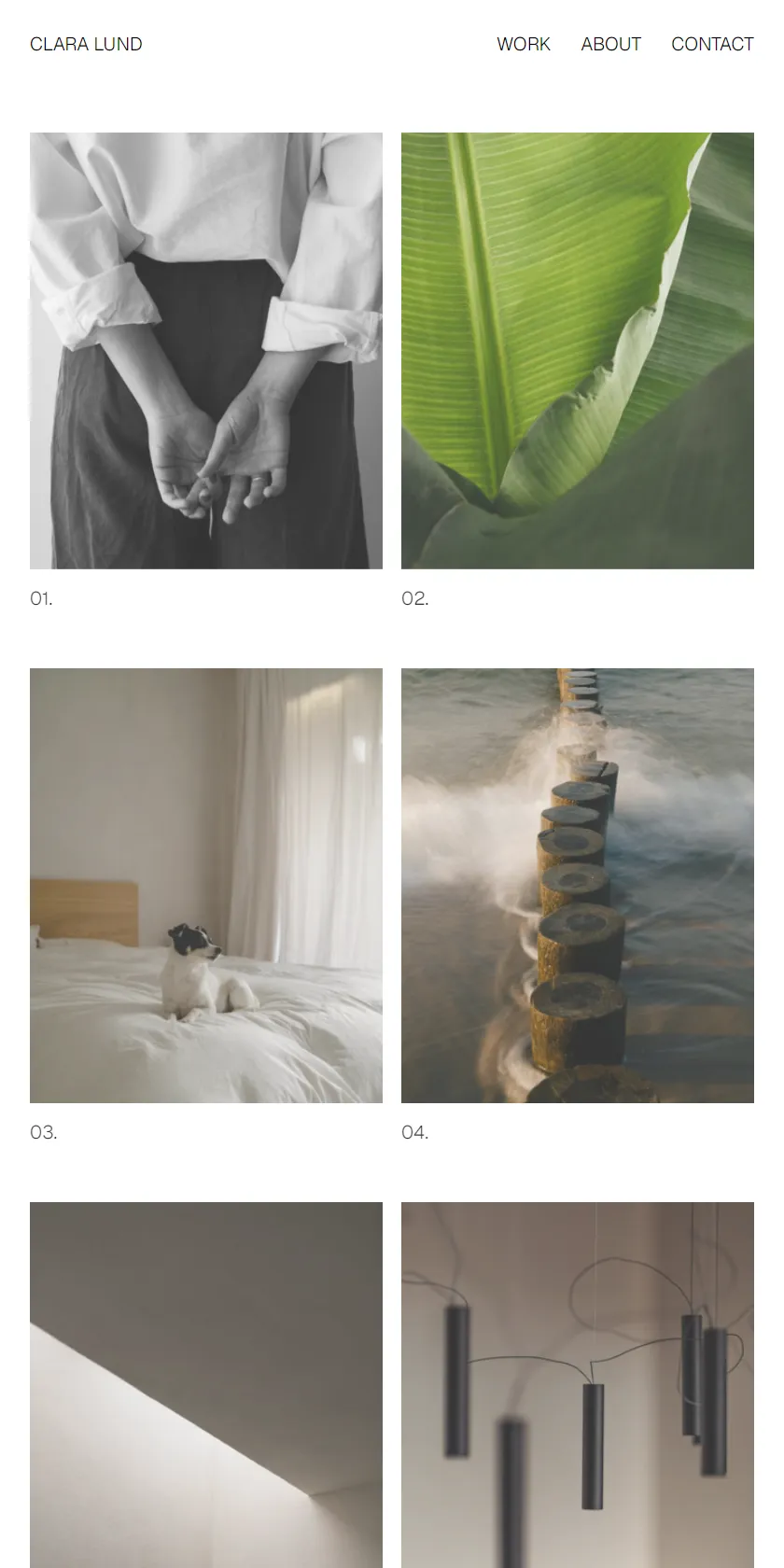
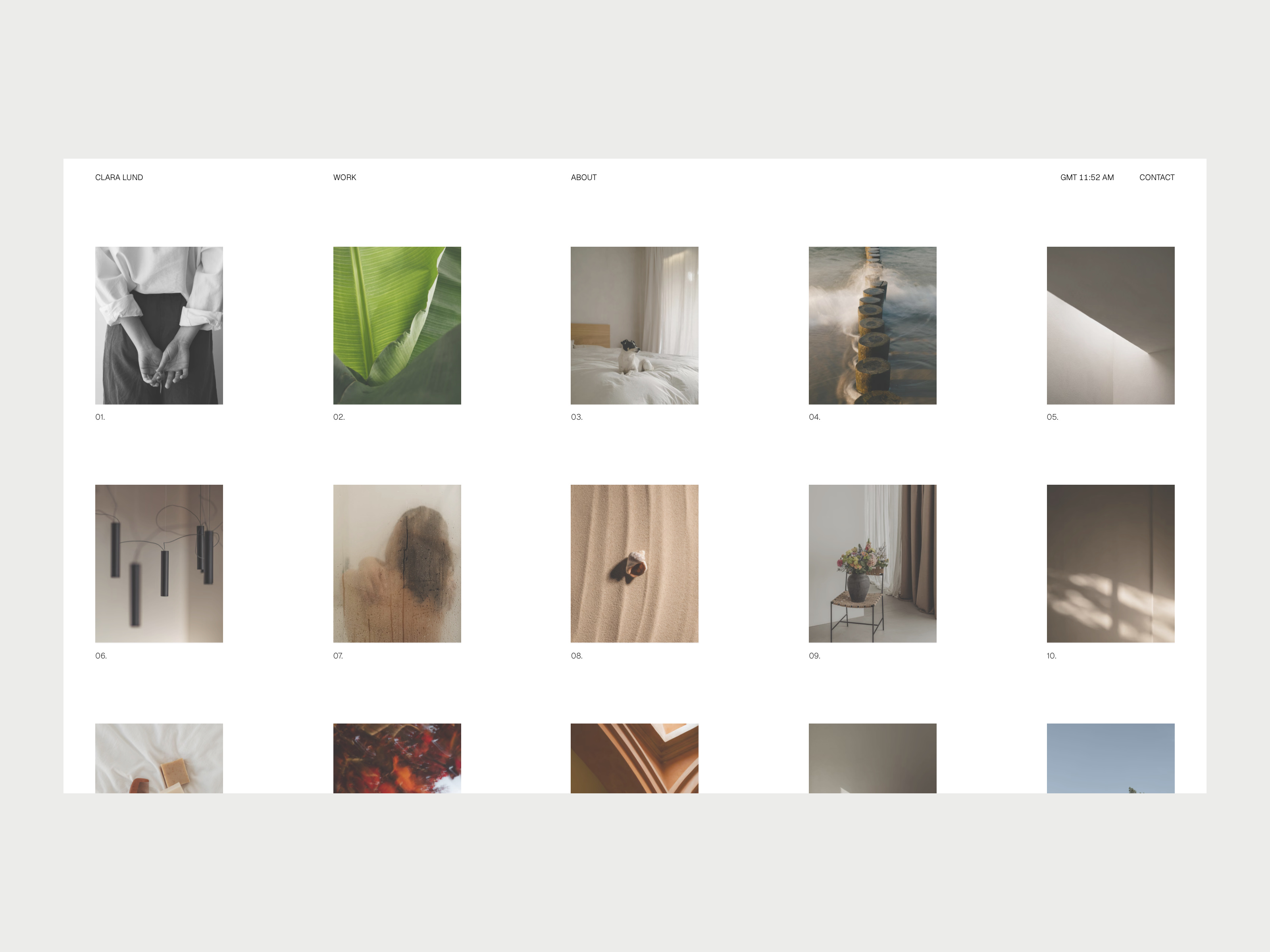
Imprint is a portfolio template for photographers, designers, architects and other creatives. White space, small type and a strict 16-column grid keep the attention on your images.
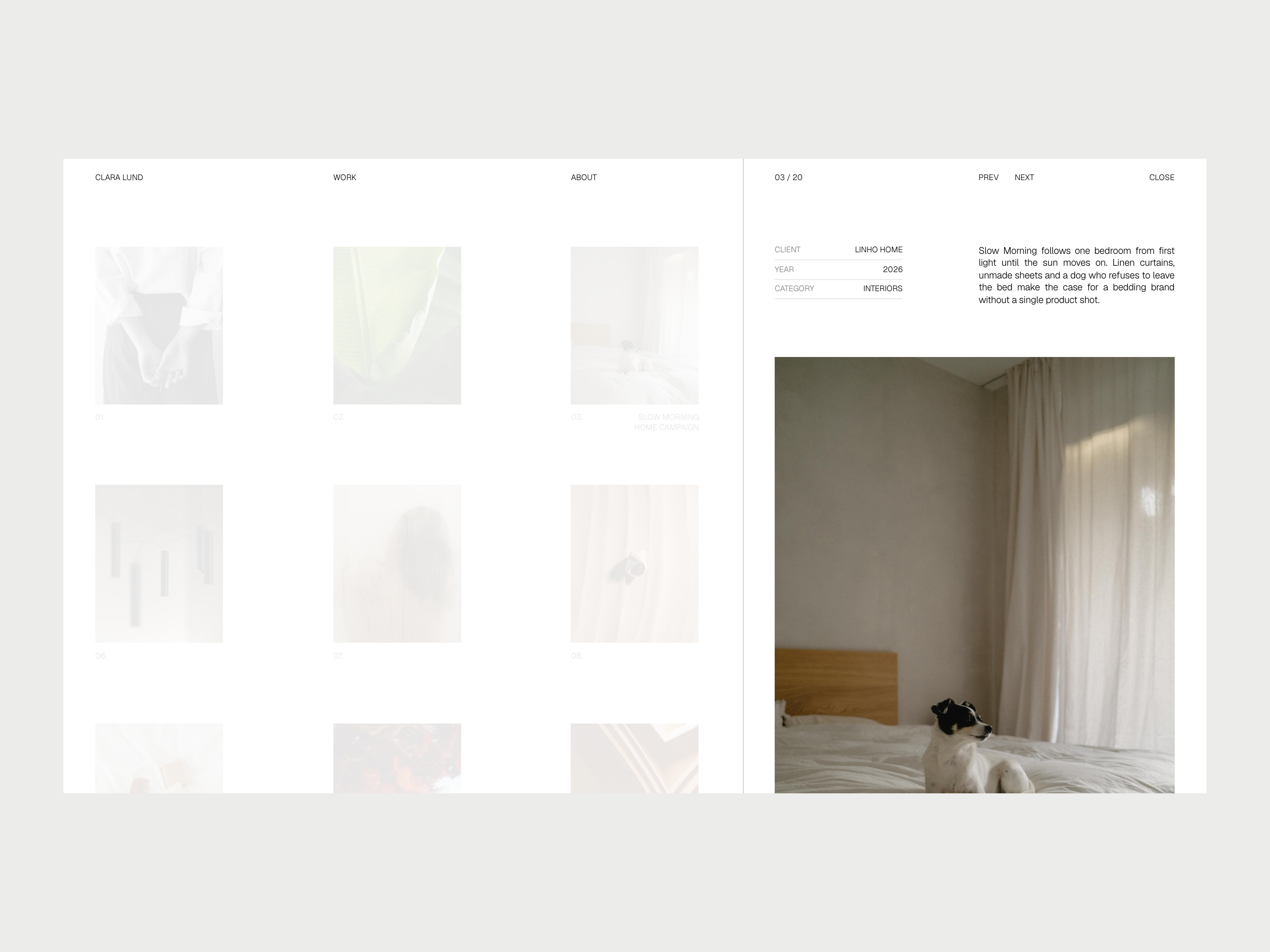
Hover a card and the others fade back. Open it and the project slides in beside the grid, so you can move between projects without losing your place. Your projects live in the CMS, and everything else is in the right-hand panel.
Features
Work grid with hover captions and a card-by-card entrance
Project drawer with previous and next, and its own address for each project
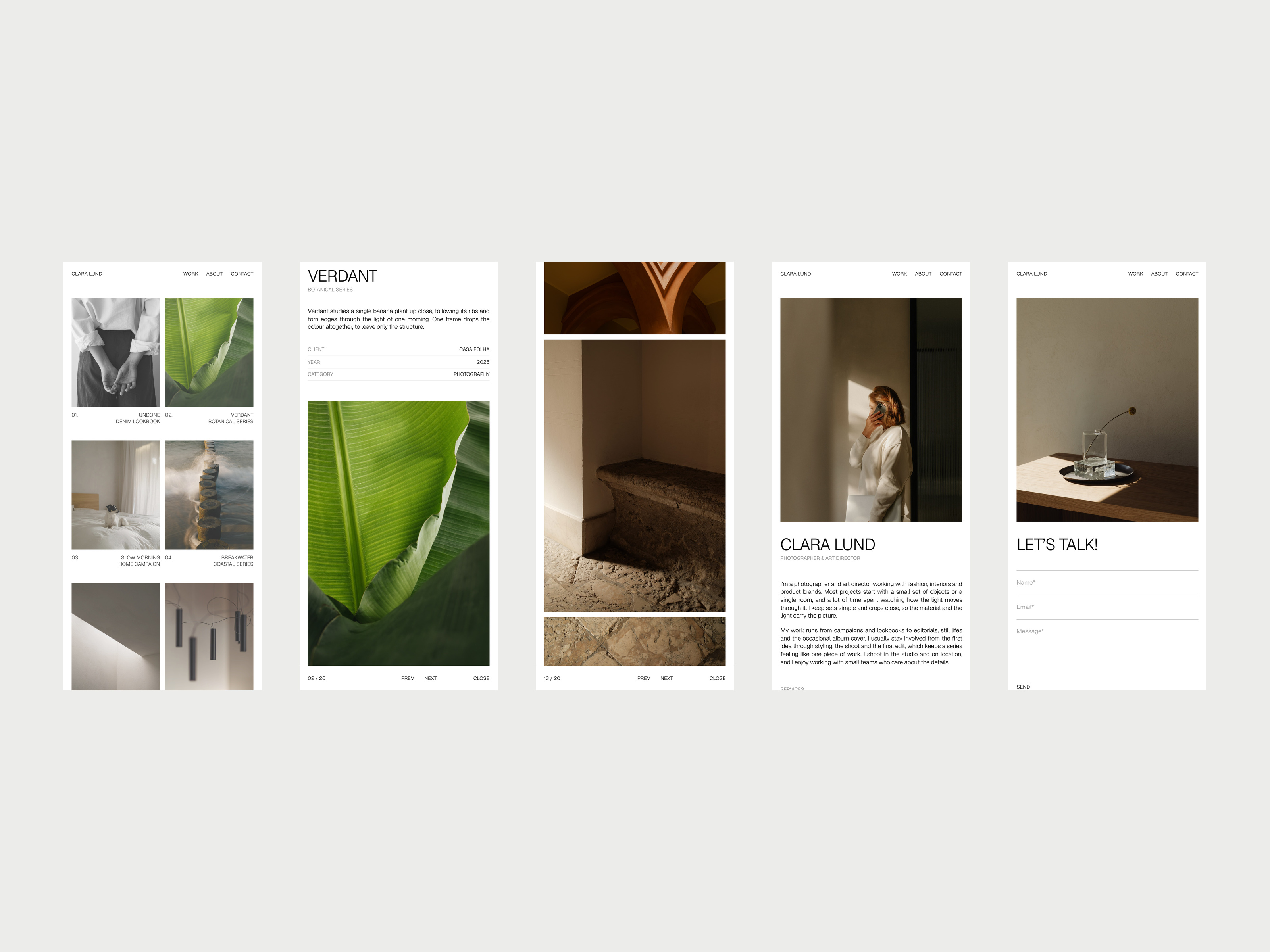
Portrait and landscape photos together in each project
About and Contact pages where the photo leads and the content follows
One shared footer, edited in one place
Live clock, set to your time zone
Contact form with validation, using Framer's own form delivery
Layouts for desktop, tablet and phone, with drawer controls in thumb's reach on phones
Custom 404 page
Keyboard controls and reduced-motion support
What's included
Pages: Work, About, Contact, project page, 404
CMS collection: Projects (with an Images list)
Starter content: 20 projects and 118 photos
Settings: Name, clock, navigation, labels, footer, About, Contact and 404
Font: Geist
Good to know
The photos are from Kaboompics and can be kept under the Kaboompics License, or replaced with your own work or another free stock library. Names and clients are made up.
The design and motion run as one code component. You edit content through the CMS and settings panels, and can't restyle individual layers.
Fonts, colors and spacing are in the code file.
The canvas shows each page at rest. Use Preview to see the motion.
The contact form uses Framer's form delivery: set where messages go in the Contact Form's Send To.
Email and socials are on the Footer layer (Assets → Site, then Layers → Footer).
Full setup guide: https://imprint-portfolio.framer.website/setup-guide
Questions or issues:
bernardo.lickfold@gmail.com
Included Pages
- Work
- About
- Contact
- Project
- 404
More from Bernardo Lickfold
View all
Tableau
A portfolio template for photographers and visual creatives to present projects in an interactive, film-strip layout. Visitors can browse photos and videos, view project details, and find the creator’s information or contact them.
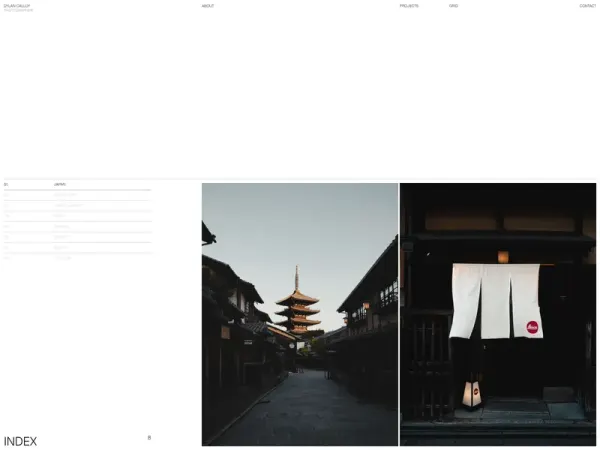
Signature
A portfolio template for photographers, designers, architects, and other creatives to showcase projects, photos, client work, and a personal bio. Projects and grid photos are managed through the CMS, with dedicated index, project, grid, about, and contact experiences.
More Portfolio Templates
View all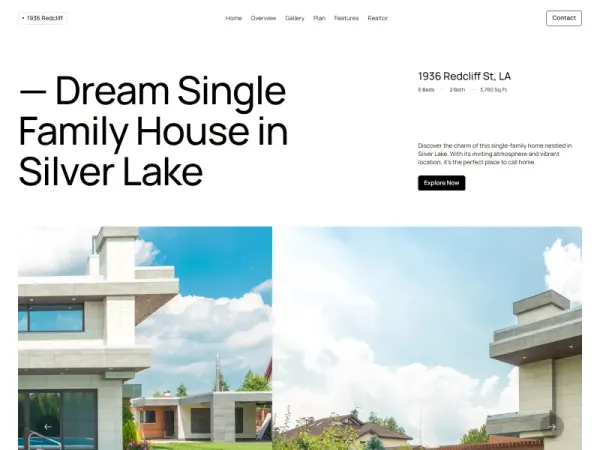
1936Redcliff
Introducing 1936 Redcliff - an innovative website template designed exclusively for real estate properties. 1936 Redcliff offers customizable features and a sleek layout to ensure an immersive user experience across all devices.

Construx
A website template for general contractors, construction firms, builders, and related design and engineering businesses. It presents services, projects, processes, and client credentials, with quote-request and contact forms to help convert prospective clients into qualified leads.
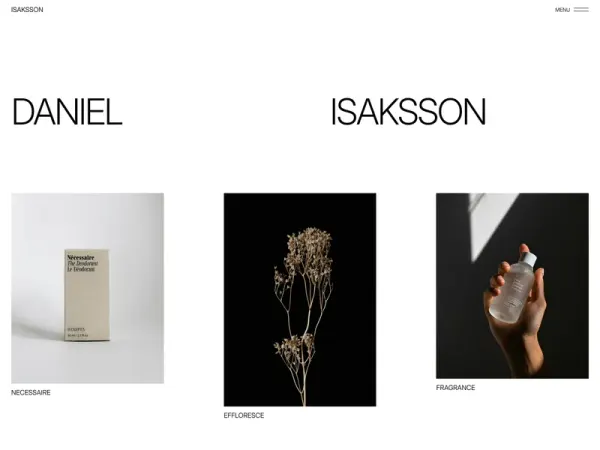
Isaksson
Isaksson is a perfect blend of minimalism and modern aesthetics designed for agencies and individuals to showcase their work and information with style and elegance.
More Photography Templates
View all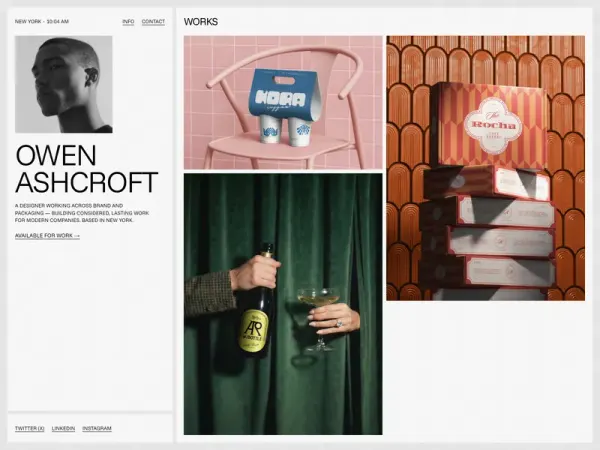
Owen Studio
null
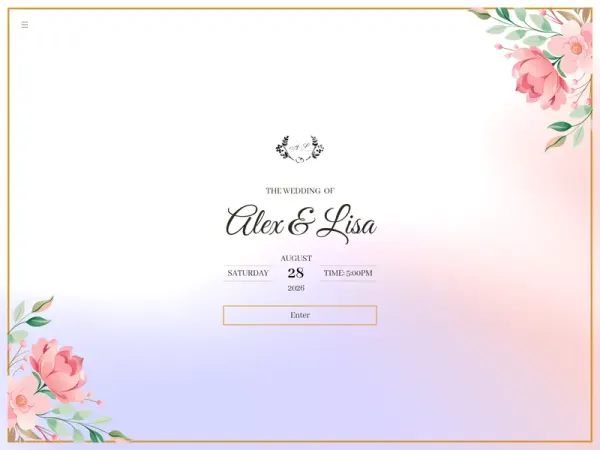
Weddcard
Responsive, no-code Framer wedding invitation template for couples to create elegant digital invites. Features include interactive RSVP forms, cinematic pre-wedding video showreels, masonry photo galleries, and a customizable timeline for guests to engage with your love story.
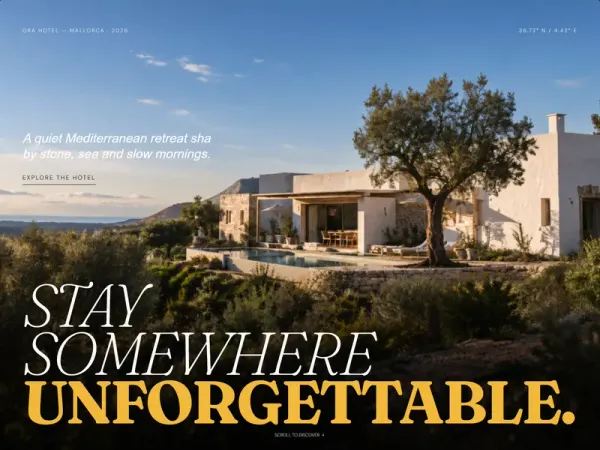
ORA Luxury Stay
A photography-first Framer template for boutique hotels, villas, guesthouses, B&Bs, retreats, and small resorts. It includes CMS-powered room and experience pages, a gallery, location details, testimonials, and booking enquiry options.
More Creative Templates
View all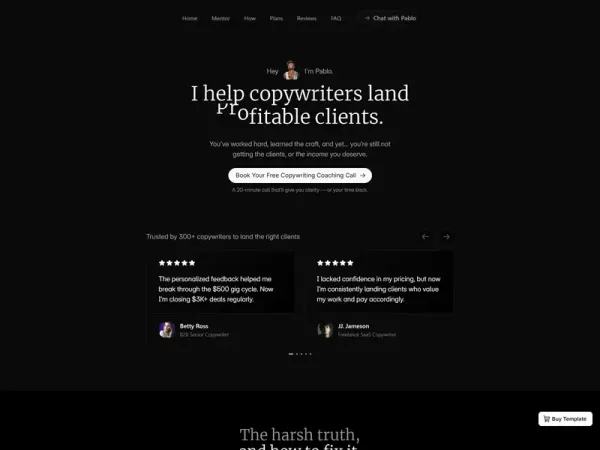
Coacher
Coacher is the ultimate Framer template for coaches, blending a clean, modern design with bold typography, unique animations, and interactive components. With expertly crafted sections, it’s designed to captivate leads and convert visitors into clients.
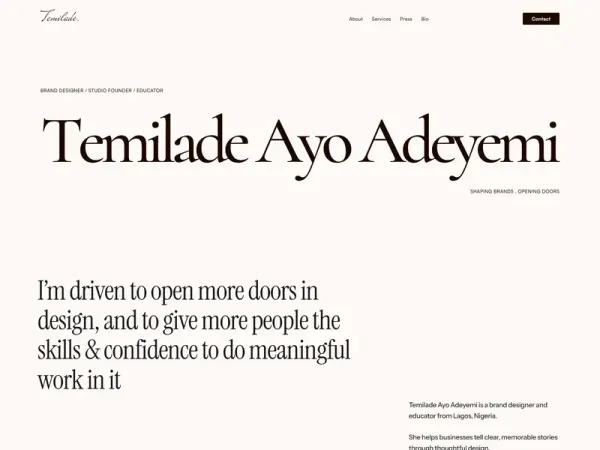
Temi
A personal brand and portfolio website for designers, creative directors, educators, consultants, and creative entrepreneurs to share their expertise, present their services and work, and build credibility with their audience.
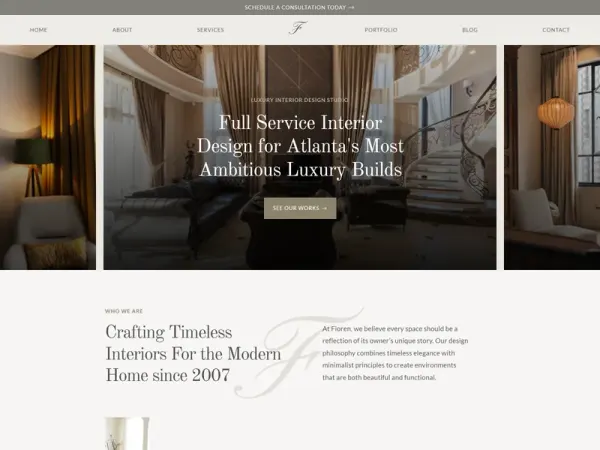
Fioren Interiors
Fioren Interiors is a luxury Framer template for interior designers, architecture firms, and creative agencies to showcase projects and studio teams with refined typography, spacious layouts, smooth interactions and responsive, SEO-optimized performance.
More Minimal Templates
View all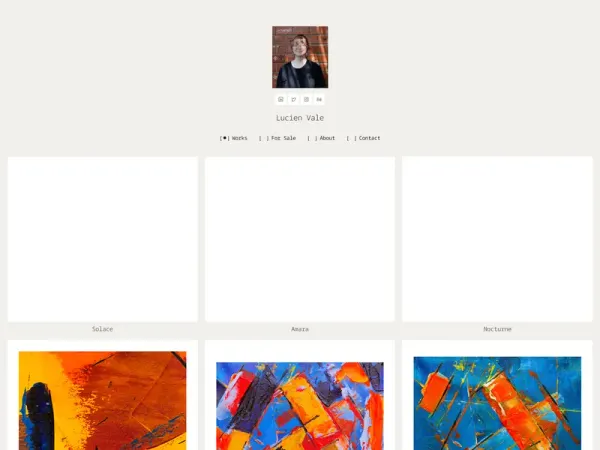
ARTLET
A minimalist, gallery-inspired portfolio for artists, illustrators, designers, and independent creatives to showcase projects and artwork, share their story, and connect with potential clients or collaborators.
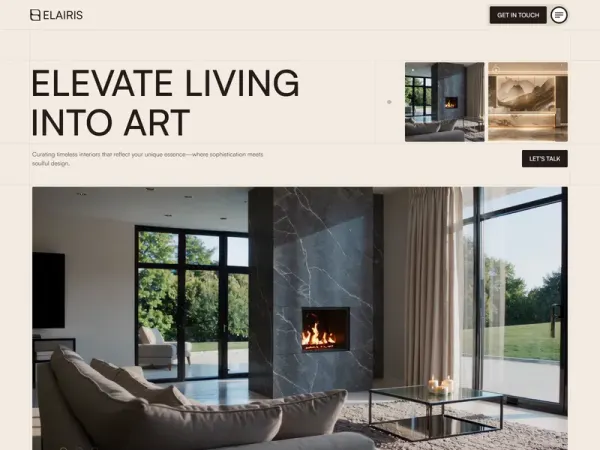
Elaris
Elaris is a modern Framer template for interior design studios. It includes 15 pages, CMS blog and project sections, scroll animations, smooth transitions, and a custom cursor - all editable with zero code.
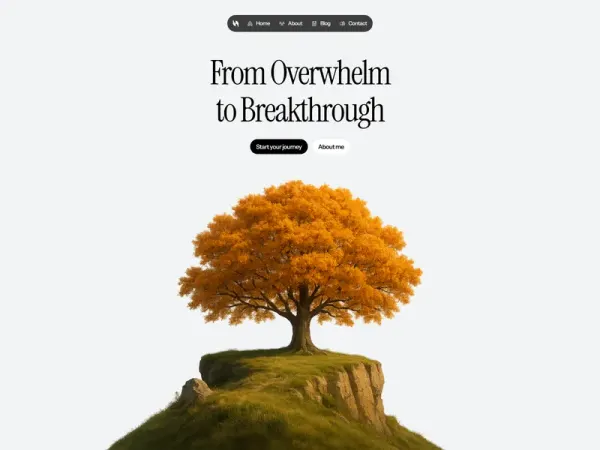
Keitimas
Elevate your coaching practice with a fully customizable Framer template that highlights your services, client wins, and process in a modern, engaging way.
More Animated Templates
View all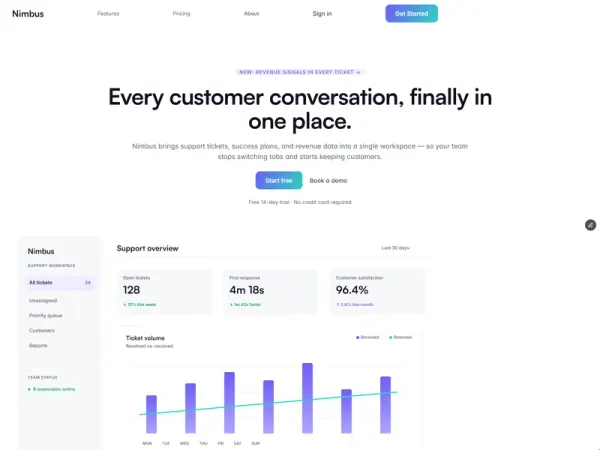
Nimbus One
Nimbus is a clean, conversion-focused Framer template for B2B SaaS support and customer-success platforms. It includes fully responsive landing, pricing and about pages, tokenized design system, and interactive components for rapid customization.
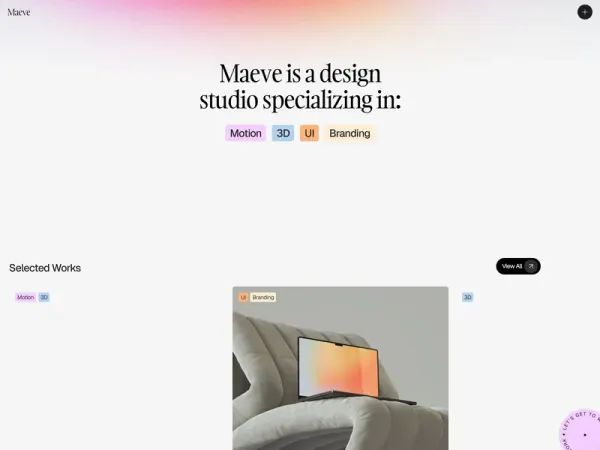
Maeve
Maeve is a modern Framer template that uses bright and playful colors. It's easy to customize and makes it simple to showcase your services and brand personality.

Covernote
null